
Gradeeverytestformat.Oneplatform.
Multiple Choice
Bubble sheets, MCQ tests, and auto-graded objective questions.
Short Answer
Open-ended responses graded against your rubric criteria.
Essays
Full essays scored with written feedback per student.
Handwritten
Scanned papers graded via OCR + AI rubric application.
100
students graded
5 min
minutes per class
99%
OCR accuracy
10k+
educators trust us
Trusted by leading institutions
.png&w=256&q=75)

.png&w=640&q=75)






One Platform, Every Format
From handwritten essays to digital quizzes, GradeLab handles it all with the same precision and speed.
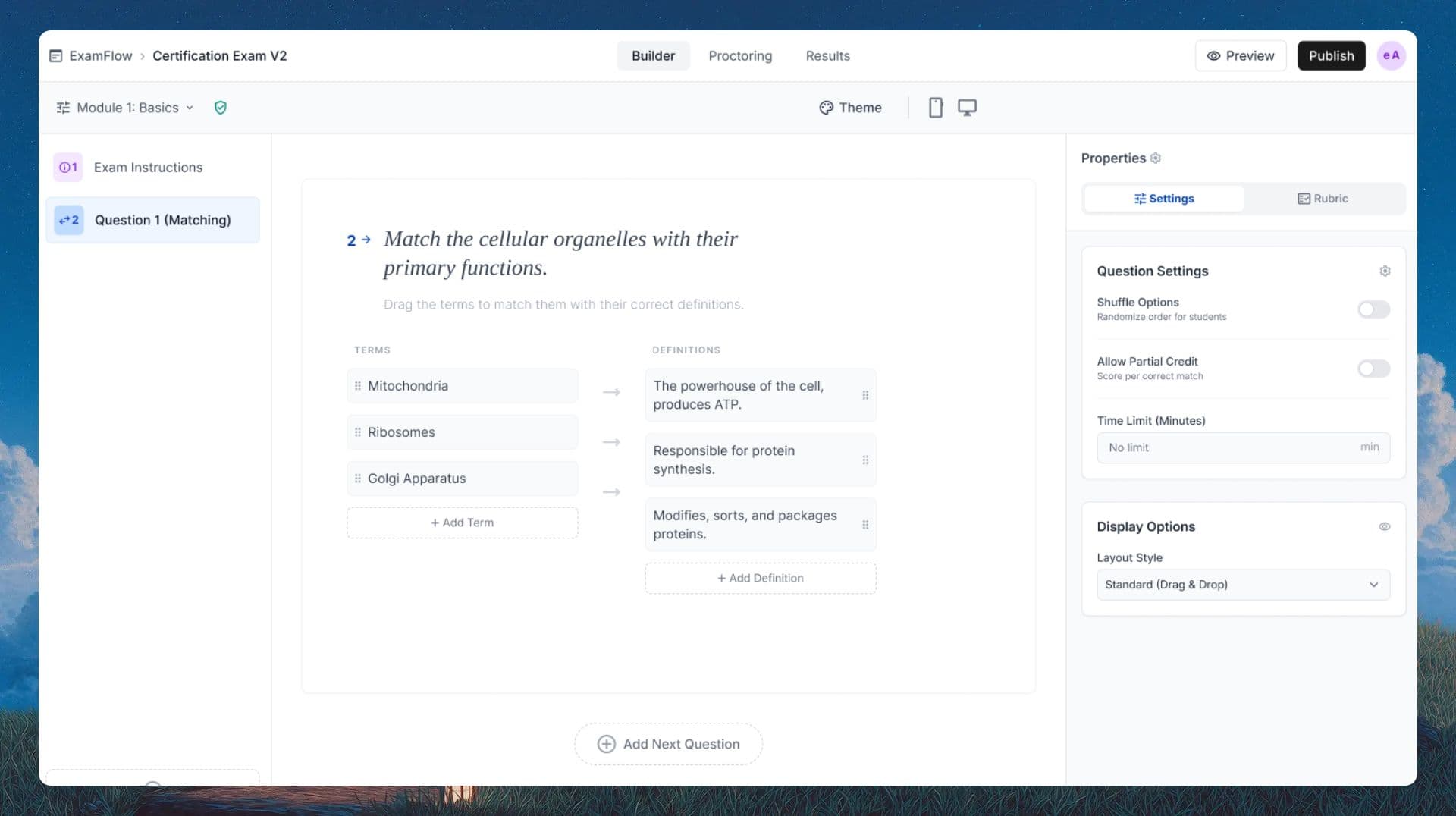
Every Test Format, One Platform
From bubble sheets and MCQs to handwritten essays. GradeLab grades every question type your students submit, digital or paper.
Bubble Sheet and MCQ Auto-Grader
Short Answer Auto-Grader
Essay and Long Answer Scoring
Handwritten Test Upload and OCR
Custom Rubric-Based Scoring
Partial Credit and Flexible Marking
Real-time Class Progress Dashboard
LMS and SIS Grade Sync
See GradeLab in action
Watch how AI grading and online assessment work end-to-end, from upload to results.
How the Online Test Grader Works
Create or upload your test, collect submissions, grade every format in minutes
1
Create or Upload Your Test
Use your existing test or build one from scratch. Multiple choice, short answer, essay, and mixed-format tests all supported.
2
Collect Student Submissions
Accept digital submissions online or upload scanned and handwritten answer sheets in the same session.
3
AI Grades Every Question
The test grader applies your rubric and returns scores, partial credit, and written feedback. A 100-student test typically grades in under 5 minutes.
4
Review, Override and Publish
Review any flagged items and override AI scores with one click. Publish grades directly to your LMS or export as CSV.
Test Grader FAQ
What is an online test grader?
An online test grader is software that automatically scores tests and exams using AI. It handles multiple choice, short answer, and essay questions—returning grades and feedback in minutes rather than hours.
Can the test grader handle different question types?
Yes. GradeLab grades multiple choice, short answer, fill-in-the-blank, and essay questions. Mixed-format tests are fully supported—the same rubric-based AI evaluates objective and open-ended answers in a single session.
How fast can I grade a 100-student test?
A 100-student test can be graded in approximately 5 minutes once submissions are uploaded. You can then review AI scores and override any result before releasing grades to students.
Does the test grader work with bubble sheets or scantron-style tests?
Yes. You can upload scanned bubble sheets and the system reads each answer circle using computer vision, scores against your answer key, and returns a per-student result instantly—no dedicated hardware required.
Does it work with handwritten test answers?
Yes. GradeLab includes OCR trained on diverse handwriting styles. Upload scans or smartphone photos of handwritten answer sheets and the AI converts them to text, then applies your rubric for grading.
How does the AI handle partial credit?
You set the partial credit rules in your rubric—for example, 1 point for a partially correct answer and 2 for a fully correct one. The AI applies those rules consistently across every student submission.
Can I sync grades to my LMS?
Yes. Push grades and feedback directly to Canvas, Moodle, Google Classroom, or your SIS via our LMS integration and REST API. No manual export or copy-paste required.
Can I build a reusable question bank from my tests?
Yes. Every question you create or upload is saved to your question bank. You can tag questions by topic and difficulty, then pull from the bank to build future tests in minutes.